What Is an Isometric Scene?
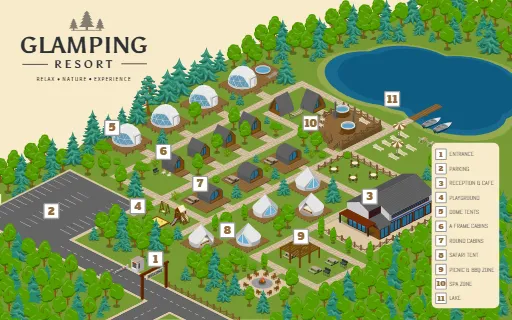
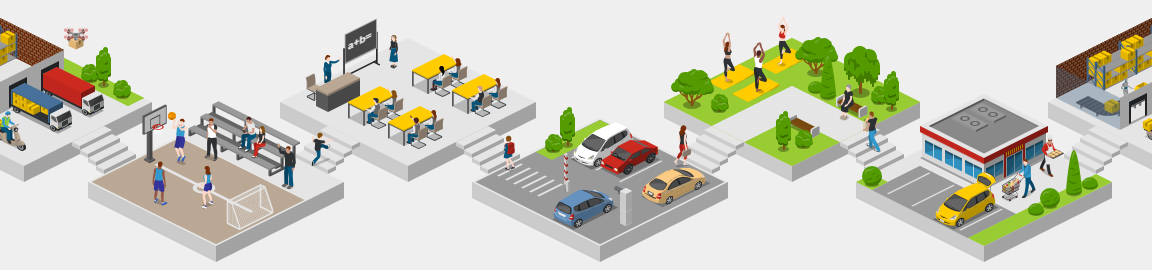
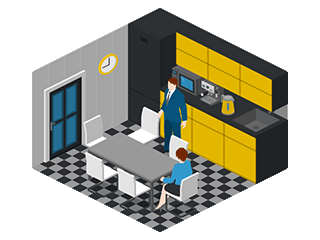
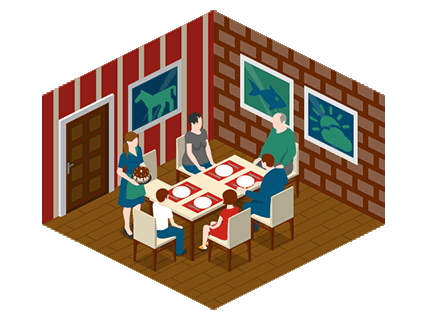
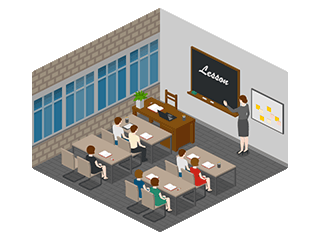
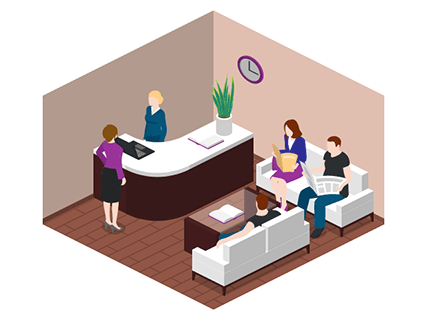
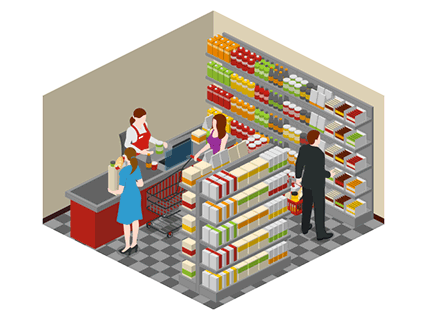
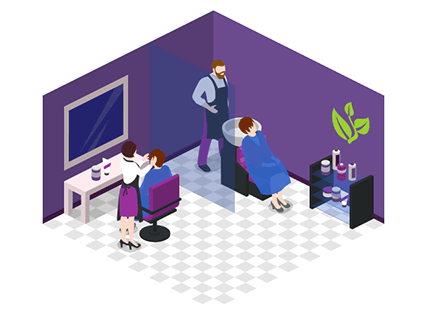
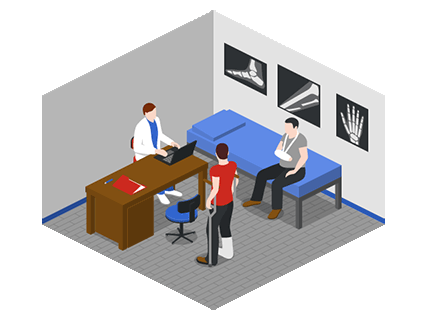
An isometric scene is an illustration that gives flat graphics a three-dimensional appearance without requiring 3D modeling. Buildings, streets, furniture, and people follow a consistent set of drawing directions, creating a sense of depth. Unlike perspective drawing, isometric scenes do not make objects smaller as they move into the distance. Two identical chairs drawn at the same scale appear the same size, whether they sit at the front or back of the scene. This makes layouts easier to read and compare.



Understanding Isometric and 2:1 Isometric Projection
Projection determines how width, height, and depth appear on a flat surface. True isometric and 2:1 isometric projection create a similar effect, but use slightly different angles and proportions.
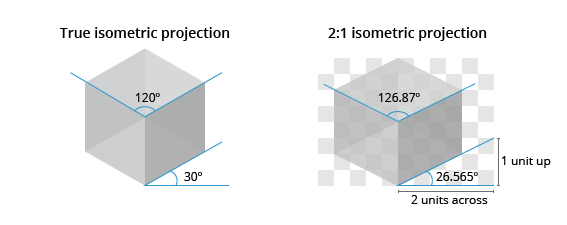
In true isometric projection, the three principal axes have equal foreshortening and form angles of 120° with one another. With the vertical axis upright, the two receding axes run at 30° to the horizontal. Imagine looking toward a corner of a cube so that three faces are visible. Equal lengths along its three principal directions appear equal in the projection.
2:1 Isometric Projection
Icograms Designer uses 2:1 isometric projection, often called games isometric or 2.5D isometric graphics.
In this projection, the two receding directions follow a simple ratio: two units across for every one unit up. This creates an angle of approximately 26.565° to the horizontal, giving the scene a slightly flatter appearance than classical isometric projection.
Technically, this is a dimetric projection: two axes share the same scale, while the third differs. In game art and illustration, however, it is commonly described as isometric. Although often associated with pixel art, this projection also works with smooth vector graphics like those in Icograms.
Why the Difference Matters
Both projections keep parallel lines parallel, without a vanishing point. For a consistent scene, use assets built for the same projection. Mixing 30° graphics with 2:1 graphics can make adjoining edges, floors, and pathways appear misaligned.
Icograms icons and grids use the same 2:1 geometry, helping you assemble a cohesive composition.
Why Use Isometric Scenes?
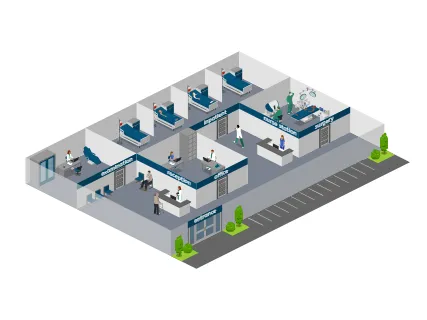
Isometric scenes give information a visual context. Instead of describing where each department sits in an office, you can show the layout. Instead of explaining every step in a warehouse process, you can place the steps along a visible route. The style also leaves room for creativity. You can draw attention to important areas through color, add people to show how a space is used, or include details that make the setting recognizable. A scene can be practical and informative while still having personality.
Where You Can Use Isometric Scenes
You’ll be surprised how many places can benefit from an isometric touch. Here are a few popular ones:
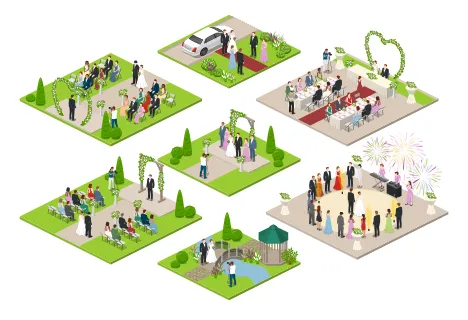
Event planning: Create festival maps that help visitors locate stages, food courts, restrooms, and entrances.
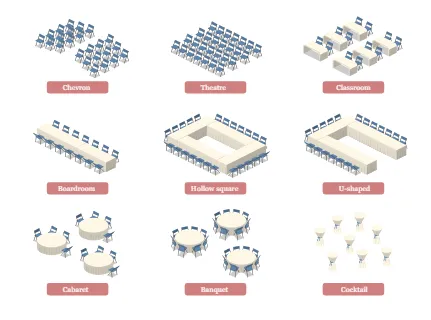
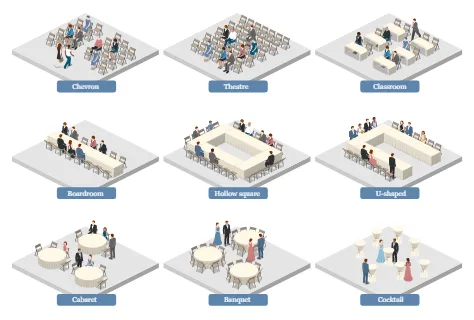
Education: Explain a topic through a visual scene or help students understand a classroom layout.
Business: Show warehouse operations, logistics flows, and office arrangements so teams can discuss them more easily.
Marketing: Create illustrations that reflect your brand and show your product or service in context.
From a single room to a smart city, an isometric scene can help make a complex subject more approachable.
Make Your Isometric Scenes Clear and Vibrant
Start with what you want the viewer to understand. Arrange the main elements first, then add supporting details. Use consistent colors and object sizes to bring the scene together, and leave enough space for important areas to stand out. Trees, signs, and people can make a scene feel lively, but each detail should serve a purpose. A sign might identify a destination; a person might show scale or explain an activity. If something distracts from the main message, try removing it.
Choose your icons, experiment with the layout, and build a scene that tells your story clearly.